Credit Card Tracker
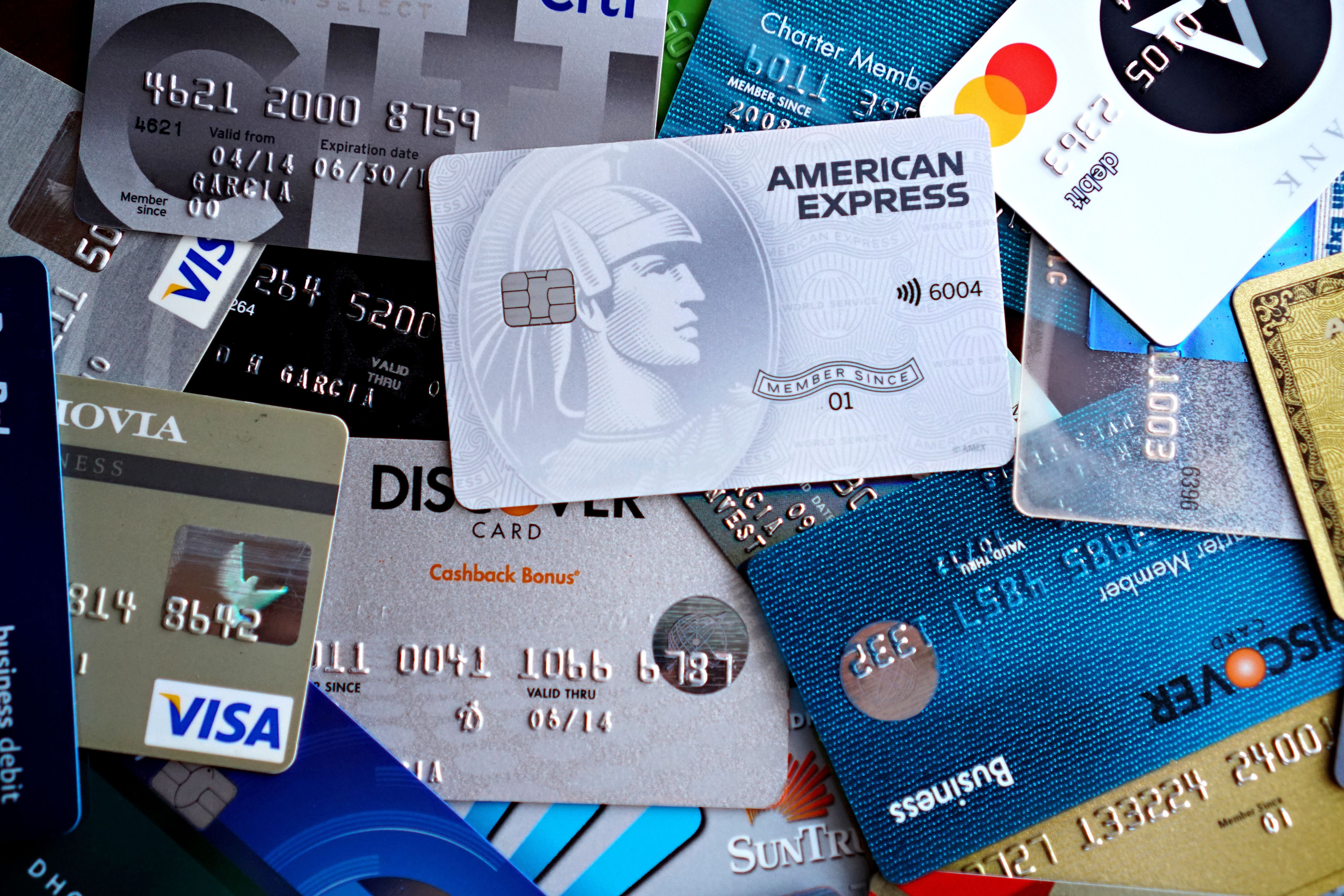
Keeping track of more than one credit card can make it challenging to stay on top of balances, due dates, and how much interest you’re paying. This tracker puts every card in one view, so you can see where you stand at a glance and avoid late payments.
Download Excel / Google Sheets Download Printable PDFWhat it’s for
Use this tracker to keep your credit utilization (your balance divided by your limit) in a healthy range. It also helps you remember due dates, work out which card is costing you the most in interest, and see where your card spending goes each month.
What’s included
- Cards tab: an overview of up to 12 cards. It shows limit, balance, available credit, utilization, APR, statement and due days, minimum payment, and an estimated monthly interest figure.
- Transactions tab: a purchase log with dropdowns for card and category.
- Payments tab: a payment log that records minimum, full, or extra payments.
- Summary tab: totals spent and paid by card, plus spending by category.
- Printable PDF: a card overview and payment log you can fill in by hand.
How to use it
- Add your cards. On the Cards tab, replace the two sample cards with your own. Enter the name, last four digits, limit, balance, APR, statement day, due day, and minimum payment in the tinted cells.
- Keep balances current. Update the Current balance column from your card app or statement. It’s typed in, so it doesn’t change automatically when you log transactions.
- Read your utilization. The color in the Utilization column tells you where you stand: green is under 30%, amber is 30–50%, and red is over 50%.
- Log purchases. On the Transactions tab, enter the date, pick the card, add the merchant and amount, and choose a category.
- Log payments. On the Payments tab, record each payment and whether it was the minimum, the full balance, or extra.
- Review your summary. The Summary tab adds everything up by card and category, so you can see your biggest spending areas.
Using the PDF? Fill in the card overview once, then use the payment log each month to record what you paid and your remaining balance.
Tips
- Set a calendar reminder a few days before each due date.
- Pay the full balance when you can to avoid interest. If you can’t, pay more than the minimum.
- Review your balances weekly. A short check-in catches surprises early.
- The interest figure is a rough estimate (balance × APR ÷ 12). Your statement is the source of truth.
Note: This tracker runs entirely in the file you download. It doesn’t connect to your accounts. It’s for personal organization only and isn’t financial advice.